
Resolve Zupee App Network Issues
 Download App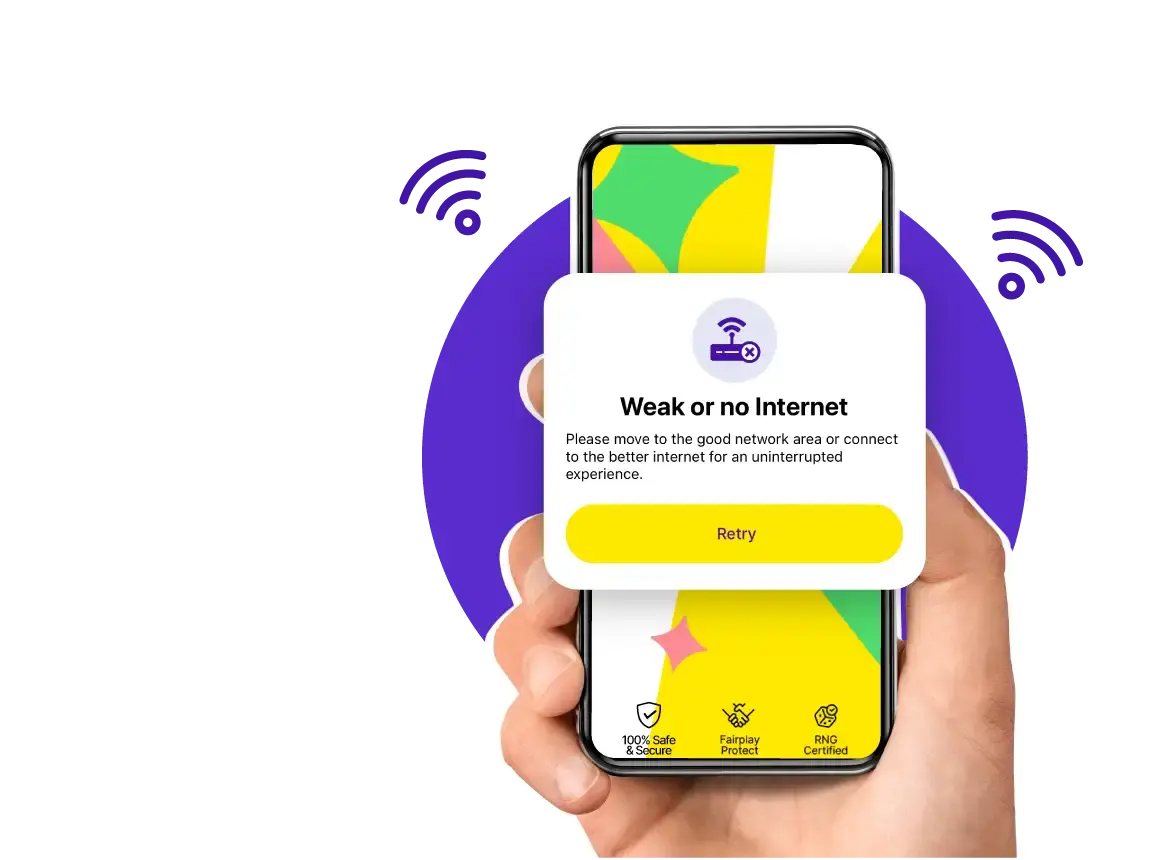
Zupee is one of the most popular gaming apps that has caught the fancy of Ludo players. However, sometimes, an app, no matter how well it has been coded, may face network problems due to several factors that affect the game. These issues include slow page loading, connection failures, or constant disconnection from the Internet or the World Wide Web. This guide will assist in troubleshooting Zupee network issues occurring on the app for the Android and iOS platforms, thus creating the best gaming conditions.
Resolving Network Issues for the Zupee App
As it is evident, network problems can become a constant problem with mobile applications, particularly those that rely on an effective internet connection, like the Zupee app. These problems are just like any other problems you can face in your course of duty; they can be referred to as usual workplace problems. If you understand their causes and provide the right solutions, they can be done away with. Stated below are the measures you can take to resolve the Zupee network issue efficiently.
Identifying Network Issues

Network issues on the Zupee app can manifest in various ways, including:
- Slow Loading Times: The app may take longer than usual to load or refresh content.
- Connection Errors: You might encounter messages indicating a failed Zupee app adjust net in connection to the server.
- Frequent Disconnections: The app may repeatedly disconnect during gameplay, leading to interruptions.
- Network-related Errors: Specific errors related to network connectivity, such as an inability to connect or lag in gameplay.
Diagnosing the Problem
To effectively resolve network issues, start by diagnosing the problem with these steps:
- Check Your Internet Connection: Ensure your device is connected to a stable Wi-Fi or mobile data network to diagnose the Zupee app adjust net in Android.
- Restart the App: Close and reopen the Zupee gaming app to see if the issue persists.
- Update the App: Check if there’s an update available for the Zupee app, adjust the net in apk, and install it to fix potential bugs.
- Restart Your Device: Sometimes, a simple restart of your smartphone can resolve network-related issues.
- Reset Network Settings: If the problem continues, resetting your network settings can help resolve underlying connectivity issues.
Common Solutions for Zupee App Network Issues

For many free apps, including Zupee, network problems might often arise on Android and iOS devices. You can use the following practical solutions to deal with the network problem of the Zupee app adjust net in iOS or Android:
- Switch Network Connections: Switch between Wi-Fi and mobile data to determine if one network performs better than the other.
- Disable VPN or Proxy: VPNs and proxies can interfere with the app's ability to connect to the server. Disable them to check if they are causing the issue.
- Contact Support: If the problem persists, reaching out to the Zupee customer support team can provide you with specific assistance and troubleshooting steps. However, you can also contact the support team if you find any issues with Zupee.
By following this guide, you can resolve most network issues with the app on your Android or iOS device, ensuring a seamless and enjoyable gaming experience. So, what are you waiting for? Play Ludo online and win free games.
FAQs - Zupee Network Issue
How do I know if the issue is with my device or the Zupee app?
Try utilizing other apps that require an internet connection to find out if the problem is with your device or the Zupee app. If they function properly, there may be a problem with Zupee. You can also detect the issue by restarting the app and your device.
Can reinstalling the Zupee app fix network issues?
Yes, by removing any corrupted files or settings that may be the source of the issue, reinstalling the Zupee app will resolve network problems. Refreshing the app's installation often fixes recurring problems that previous troubleshooting techniques haven't resolved.
Can using a mobile hotspot affect the performance of the Zupee app?
Using a mobile hotspot can impact Zupee app performance, particularly if the hotspot has a weak signal or limited data speed. Checking the mobile hotspot's strength and data restrictions, as is using a dependable Wi-Fi connection, is advised.
How can I improve the overall performance of the Zupee app?
Optimize Zupee's performance by ensuring your device and the app are up to date, periodically cleaning the cache on Android devices, shutting down background programs, and maintaining a steady internet connection. It also helps to reduce network congestion, for example, by restricting the use of other devices on the same network.
Play Free. Win iPhone, Bike.
Download App

